Hypic – Photo Editor AI Art
Hypic – Photo Editor & AI Art is a stunning all-in-one photo editing app to allows users to make changes to their photos

Safe & Secure
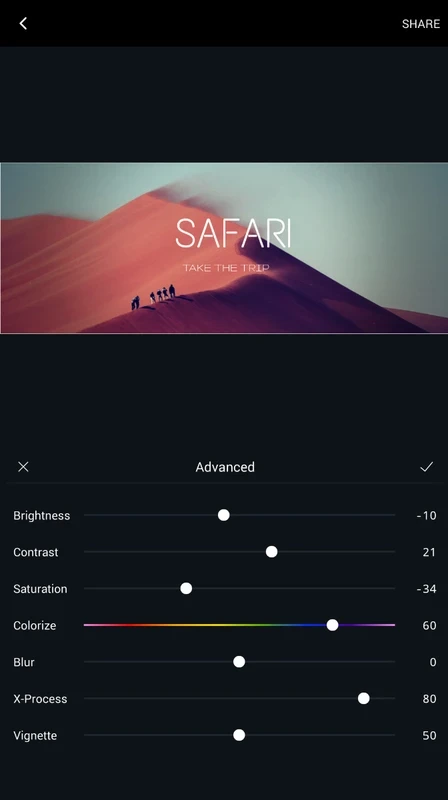
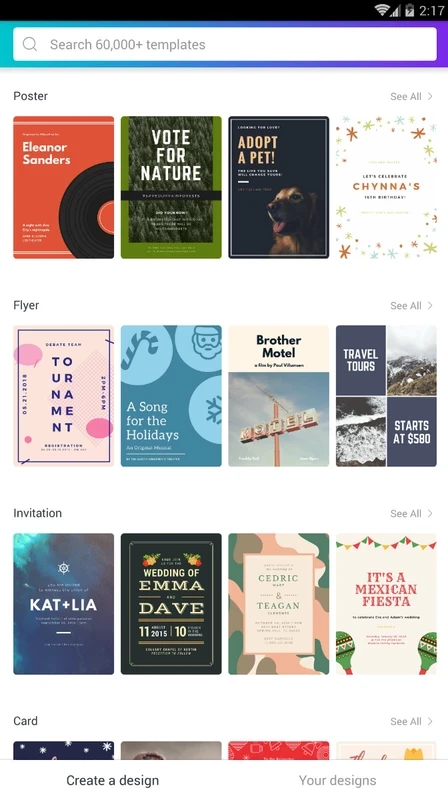
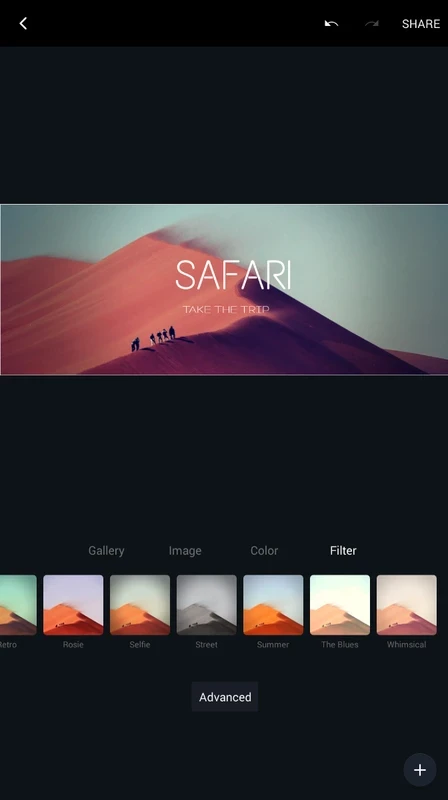
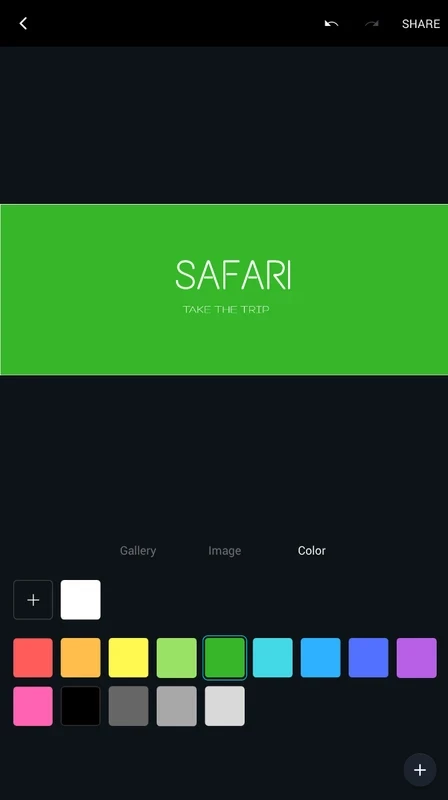
Canva is a powerful graphic design app that offers a lot of awesome resources for creating eye-catching montages and compositions. It is simple to use and enables users to create or edit their visual content easily. Compared to other complex platforms, it makes your creation simple while delivering your desired results within seconds.
The innovative program offers pre-made templates to make your creation quick, and simplifies creating everything from wallpapers to book covers. You can also use the different formats available on the main screen for designing social media Facebook headers, advertising flyers, or icons as well.
Canva is a freeware app used for simplifying graphic design in different scenarios. It offers a plethora of tools, stock images, fonts, illustrations, and a lot of other such material to make your editing process quick, smooth, and easy.
The touch-friendly portable utility helps you to create eye-catching designs without waiting for your desktop, select pre-made material, or import images from your device, and edit them in the way you like.
Simplicity and versatility are the main features of the user-friendly interface, and a properly organized interface allows users to easily access the editing features according to their preferences. You will find a blank page or template in the middle of the screen, and start your editing or creating process while importing from a device, and make changes such as background images, fonts, colors, and so on. Likewise, select a template and personalize it according to your preferences for your brand or style.
The availability of a plethora of customizable templates and layouts enables users to select the most suitable layout for designing to promote their brand. The app allows you to enhance the visual appearance of your created masterpiece within stunning filters. However, the free version is limited, but you can use the premium version for robust functionality.
The integration to multiple social media platforms streamlines the workflows more reliably while offering innovative material. It helps users to create awesome posts, images, and videos while using huge collections of fonts, pictures, templates, and other assets. Make your different social media platforms colorful and exciting within your created posts on Canva, and upload them right from the app itself.
The recent updates have introduced a huge series of AI-powered tools for enhancing user experience such as;
The support for cloud storage allows users to store their designs online and use them later. You can share them with friends, upload them on social media platforms, and download them on different devices as well.
The software offers multiple innovative functions to manage your images as well as videos in the way you like, such as;
The app also allows users to collaborate on their projects and manage their editing process while sharing their projects with others. It also allows commenting as well as assigning actions on different scenes. In addition, you will also find support for multiple file formats, including JPG, PNG, PDF, and MP4 for importing and exporting your content.
Pros
Cons

Hypic – Photo Editor & AI Art is a stunning all-in-one photo editing app to allows users to make changes to their photos

Aarya Editz is a popular photo and video editor that offers a lot of easy-to-use editing tools

Background Eraser remove background to make it transparent and seamless editing to refine the pictures.

PixelLab to create stunning images within text and fonts, and share to social media platforms

Remini enhance old and blurry images and selfies with AI-powered enhancer

Supports DSLR-like controls to offer optimized photography up to 4K Ultra HD